Data Assessment Solutions

Meeting Assistant

Notes and tasks from every meeting, no matter who invited

The Meeting Assistant transcribes your Teams meetings and calls, summarizes them with AI and files the result in OneNote, decisions and action items included. For Teams it starts by itself and delivers the note even when you aren’t allowed to record. The assistant is open source: run it on your own Azure services or let us manage it for you.

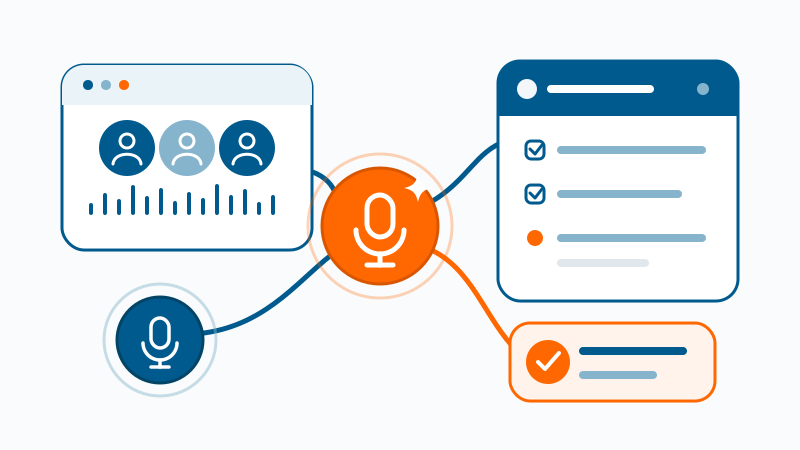
Meeting Assistant turns meetings and voice input into structured notes and tasks

The difference

What sets the Meeting Assistant apart

Every meeting, whoever invited

When someone else hosts, you often can’t record a Teams meeting yourself, and the AI summary requires a Copilot license. The Meeting Assistant captures your microphone and PC audio locally and delivers the note anyway. Teams Phone calls included.

Action items during the meeting

While the conversation runs, the assistant suggests action items. You correct them, assign owners and sync them to the OneNote page. The follow-up work that usually gets left behind is already done.

Not just Teams

With one click the assistant also records Zoom, soft phones and any other conversation running through your PC’s microphone and speakers. Automatic start is currently available for Teams only.

How it works

From conversation to note and tasks

  1. 1

    Start the recording

    Automatic for Teams meetings and calls, start and stop included. For Zoom and other applications, with a click.

  2. 2

    Transcribe live

    Azure Speech transcribes the conversation in real time. The assistant pulls the title and invitees from your Outlook appointment.

  3. 3

    Summarize with AI

    An AI model in Azure produces the summary: topics, decisions, action items. It grows while the meeting is still running.

  4. 4

    Review and file

    You review the result and save it to OneNote or locally on your PC. Each meeting gets its own page.

The result

A note everyone can rely on

Summary

What it was about, in two or three sentences, plus the topics discussed and their key points.

Decisions

What was actually decided, clearly separated from mere discussion points.

Tasks

Who does what by when, as a table in the note. You can edit the suggestions and assign owners.

Full transcript

The complete conversation to expand, in case someone wants to check a detail.

Privacy by design

Clear about what happens to the conversation

Only to your services

The assistant processes audio and transcript in memory and sends them only to the Azure services you set up. What remains is the text note.

Open source code

The source code is on GitHub under the Apache 2.0 license. Your IT team can check what the assistant does before it gets installed.

With consent

Set up within your data-protection and co-determination rules. Participants know that notes are being taken.

Cost

Free software, Azure billed by usage

The Meeting Assistant itself costs nothing. Microsoft bills speech recognition and AI by actual usage, a fraction of the per-seat subscriptions of common meeting tools. No license per head, no base fee for sitting idle. If we handle setup or operation, we agree on the effort up front.

Get started

Run it yourself or let us manage it

The Meeting Assistant needs two Azure services: Azure Speech for speech recognition and an AI model for the summary. With your own Azure subscription you set up both yourself. Without one, get in touch with us.

Open source

Set it up yourself

The installer and guide are on GitHub. If you like, an AI agent on your PC handles the setup, step by step up to a successful test run.

  • Windows PC (x64) with a microphone
  • Microsoft 365 work or school account
  • Azure subscription with permission to create services
  • App registration in Microsoft Entra ID, approved by your IT team for OneNote

Managed by us

No Azure environment of your own

No Azure subscription, or no time for the setup? We provide the Azure services, set up the assistant for your team and take care of operation.

  • Windows PC (x64) with a microphone
  • Microsoft 365 work or school account
  • We handle Azure services, setup and updates
  • Data processing agreement under GDPR

The Meeting Assistant is available as a preview release. The interface and summaries are currently in German.

May we demonstrate it in your meetings?

We demonstrate the Meeting Assistant on real meetings and set it up in your Azure environment or run it for you.

Book a conversation