
One forward instead of nine steps
Orders arrive as emails with a PDF attached. You forward them to one address. That’s all the assistant needs. No new system, no portal, no entry form.
Order Assistant
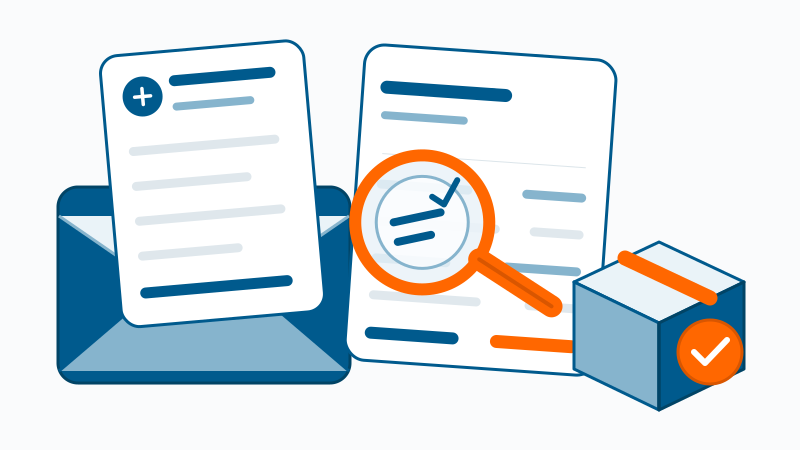
An order arrives as a PDF by email and sets off a chain of manual work: checking it against the quote, recording it in the CRM, filing it in SharePoint, closing quote and opportunity, updating the order backlog, kicking off delivery. The Order Assistant takes this over: you forward the order to one address; it does the rest and speaks up when something doesn’t match the quote.
The difference
Orders arrive as emails with a PDF attached. You forward them to one address. That’s all the assistant needs. No new system, no portal, no entry form.
The assistant matches the order against the quote: items, prices, terms. If everything fits, it goes through; on deviations it reports the difference instead of waving it through.
CRM, filing, order backlog, forecast: the order is updated everywhere it belongs, including the places where day-to-day business tends to leave it behind.
How it works
The order arrives as an email with a PDF. You forward it to the assistant’s address, the only manual step.
The assistant finds the matching quote and compares items, prices and terms. On deviations it informs the responsible person and prepares the query to the customer.
The order is created in the CRM and linked to the quote, the email is tracked there, quote and opportunity are closed, and the PDF is filed right next to the quote.
The order backlog is updated, allocated to the right year for the revenue forecast. Delivery is kicked off as a task, and the order confirmation to the customer is ready as a draft.
The result
Order created, linked to the quote, opportunity closed: the sales pipeline is accurate.
The order PDF sits where the quote sits, consistent and findable.
Every order is recorded and allocated to the right year: the revenue forecast is right.
When order and quote don’t match, the responsible person gets the difference reported, before anything is booked.
The people responsible learn that the work can start, as a task or message, without anyone having to remember.
The confirmation to the customer is ready as a draft: you approve, the assistant sends.
Trust & privacy
CRM, SharePoint, Microsoft 365: the assistant works in your systems: orders and quotes stay in-house.
Everything that goes to the customer, whether query or order confirmation, is prepared as a draft for approval. Nothing leaves unseen.
Every step is documented: what was checked, where it was filed, what was booked.
Cost
Billed by actual usage, per processed order, not per seat. No license per head, no base fee for sitting idle.
We set up the Order Assistant in your environment and demonstrate the value on real orders.
Book a conversation